Career Planning System: Build a Practical Search Workflow
A practical career operating-system guide for candidates who need a repeatable weekly workflow for target roles, proof, applications, interviews, and review.
A practical career system is a weekly operating habit, not a motivational dashboard. It should connect target roles, resume evidence, interview work, outreach, and review.
What to prepare first
- Start with one target role family and a short list of realistic constraints.
- Keep proof, applications, interview notes, and follow-ups in one weekly review loop.
- Measure whether the system improves decisions, not whether it collects more data.
- Use ConnectsBlue as the workspace, then keep final resumes and answers in a truthful personal voice.
Workflow shape
Define the operating system before adding more tools
A career operating system should answer a simple question: what should the candidate do this week, and why?
The starting point is not a large dashboard. It is a small loop that connects target roles, proof gaps, applications, interview feedback, and the next action.
- Choose one primary role family for the next two weeks.
- Write salary, location, work-mode, and notice-period constraints.
- Keep a proof backlog for resume bullets, portfolio notes, and interview examples.
- Review applications and replies on the same day every week.
Weekly loop
Run the same review cadence until the market responds
Candidates often rebuild their entire job search after a quiet week. A better system keeps the loop steady long enough to learn from the market.
Review what changed: which roles were saved, which applications were sent, which resume version was used, which replies arrived, and which interview signals need work.
| Weekly step | Decision it supports | What to avoid |
|---|---|---|
| Role review | Whether the target is still realistic | Collecting unrelated saved jobs |
| Proof update | Which evidence is missing | Editing summaries without examples |
| Application review | Which sources deserve more time | Measuring only application count |
| Interview review | Which answer needs practice | Practicing every possible question |
Maintenance
Keep the system light enough to use when the search gets stressful
The system should reduce anxiety, not become another project. If the candidate cannot update it after a busy workday, it is too heavy.
Use Career GPS for direction, Scout for role review, and focused resume or interview work only when the weekly review shows a clear gap.
- Archive stale roles instead of letting them crowd the plan.
- Write one next action per serious opportunity.
- Save feedback immediately after interviews.
- Change one part of the search at a time.
Product proof
ConnectsBlue jobs shown as a real search surface
The article links search advice to real job discovery pages where candidates can browse active roles and compare fit before applying.
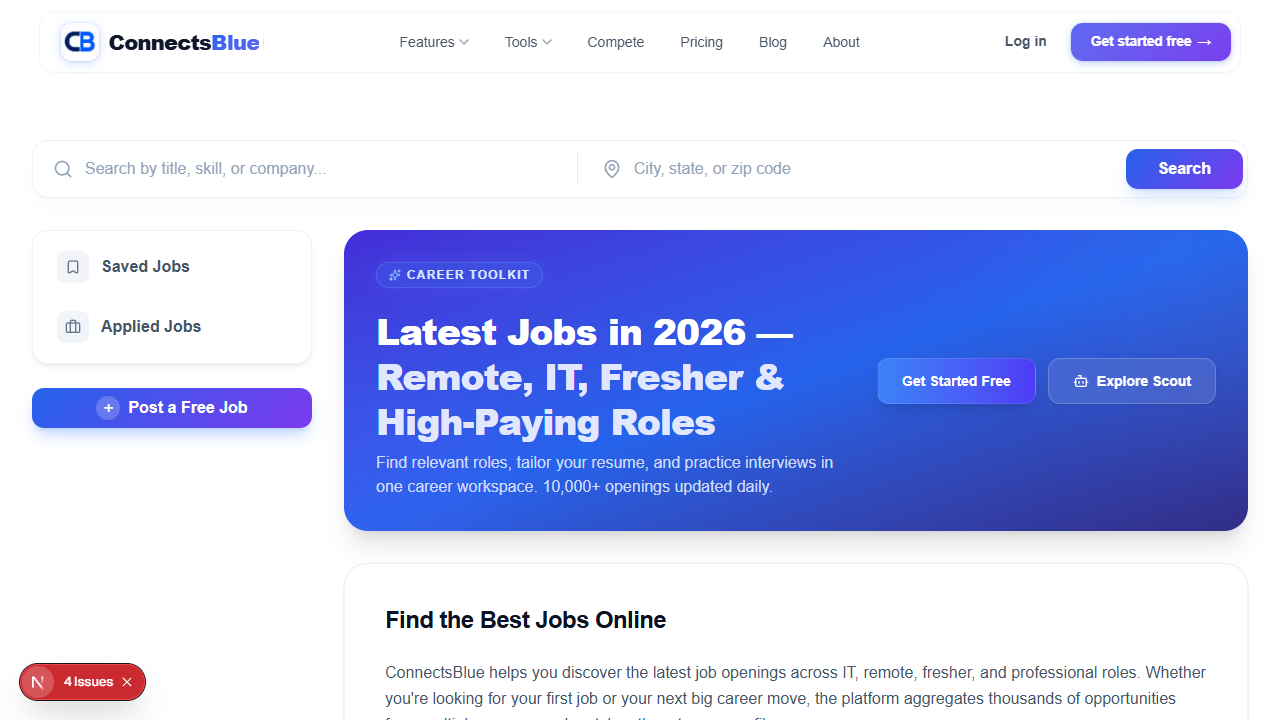
Screenshot captured from the public ConnectsBlue product experience.
Weekly review
Before rebuilding your job search
Use this checklist to see whether the current system has enough role focus, proof, application data, and interview feedback before adding more tools.
- Choose one role family for the next two weeks.
- Write the constraints that affect decisions.
- List proof gaps before editing the resume.
- Track serious applications with source and next action.
- Review interview feedback before practicing again.
- Make one change to the system after each weekly review.
System FAQ
Questions candidates ask about career operating systems
What should a career operating system include?
It should include target roles, constraints, proof backlog, application status, interview notes, salary context, and one weekly review habit.
How is this different from a job tracker?
A tracker records activity. A career system connects activity to decisions, such as which role to target, which proof to build, and which answer to practice.
How often should I update it?
Update application status as needed, but review the whole system weekly. That cadence reduces noise while keeping the search current.
Where does ConnectsBlue fit?
Use ConnectsBlue to keep roadmap planning, role discovery, resume work, interview practice, and follow-up decisions connected.
Use the workflow
Make the next action visible
A good career system turns scattered effort into one weekly decision loop.
Related Guides
Continue with practical articles on the same theme
Protect Your Mental Health During a Long Job Search
A practical guide for protecting energy during a long search by limiting low-quality applications, tracking signals, and keeping follow-up habits sustainable.
Remote Work Salaries: How Global Pay Bands Are Changing
This salary guide keeps negotiation practical: know the range, document impact, understand tradeoffs, and decide what matters before the call.
Networking in the Digital Age Without Sounding Transactional
This networking guide focuses on credibility: who to contact, what to say, when to follow up, and how to keep the relationship useful.