Offer workflow
Offer Letter Workflow Guide
How to create offer letters that are accurate, approved, trackable, and easy for candidates to understand before they accept.
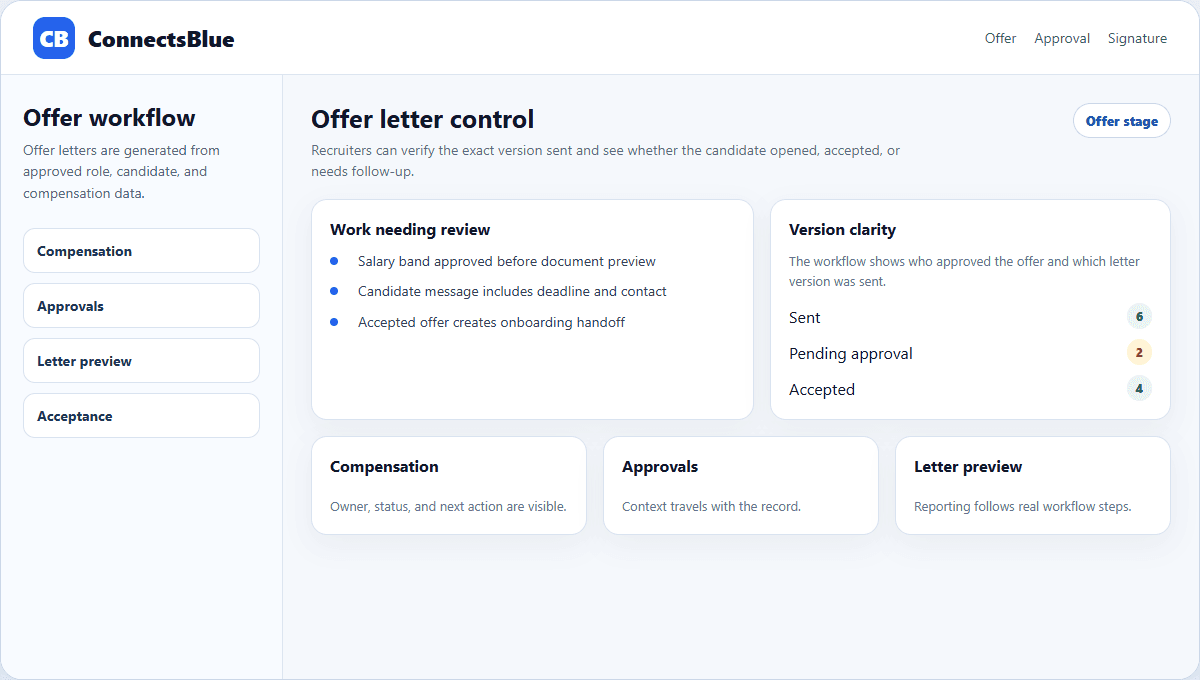
An offer letter is more than a template. It is the written version of compensation, role expectations, start details, approvals, and candidate trust.
A fast offer process helps only if the letter is accurate. The workflow should make it hard to send the wrong title, salary, location, work mode, or start date.
Accuracy
Build the letter from approved role and compensation data
Offer mistakes usually come from copying an old document or editing fields by hand. The safer workflow pulls from approved requisition details, compensation approval, candidate information, and agreed start terms.
- Confirm title, level, department, manager, location, and work mode.
- Check salary, bonus, equity, benefits, and pay schedule against approval.
- Set expiration date, start date, and contingencies before sending.
- Keep approval history attached to the offer record.
Template design
Use templates for structure, not generic language
Offer element
Role details
What to standardize
Field placement and approval checks.
What to personalize
Team, manager, and role-specific context.
Offer element
Compensation
What to standardize
Required fields and formatting.
What to personalize
Approved numbers and applicable plan notes.
Offer element
Contingencies
What to standardize
Legal and policy language.
What to personalize
Region, background check, or work authorization details.
Offer element
Candidate message
What to standardize
Clear acceptance instructions.
What to personalize
Recruiter contact and expected next step.
Candidate clarity
Make the next step obvious after the offer is sent
Candidates should not have to search for how to accept, who to contact, or what happens after signature. The offer workflow should include the letter, the acceptance path, the deadline, and the onboarding handoff.
Before sending
Verify approvals and compensation fields, then preview the candidate-facing letter.
After sending
Track viewed, accepted, declined, or expired status without relying on memory.
After acceptance
Trigger onboarding owners with the start date and role context already attached.
If delayed
Give the recruiter a follow-up reminder before the candidate goes quiet.
Control
Protect the offer process without slowing it down
A clean offer workflow gives finance, HR, legal, and hiring managers confidence while still letting recruiters move quickly. The controls should sit in the data and approval trail, not in a maze of document versions.
Implementation notes
How to use this guide in a real hiring workflow
Use this article as a working review document, not just a buying overview. Compare offer letter workflow guide with the way your team currently works, then fix the places where ownership, evidence, or candidate communication is unclear.
- Name the owner for the stage before changing configuration.
- Define the evidence recruiters and managers should capture.
- Review candidate-facing messages for clarity and tone.
- Measure whether the change reduced delay, rework, or ambiguity.
Questions teams ask
Offer Letter Workflow Guide FAQ
What should an offer letter workflow include?
It should include approved role data, compensation details, candidate information, approvals, document generation, send status, acceptance tracking, and onboarding handoff.
Why are offer templates risky?
Templates are risky when teams copy old documents manually. They are safer when fields come from approved hiring data.
When should onboarding start after an offer?
Onboarding should start as soon as the candidate accepts, with start date, manager, documents, and internal setup owners confirmed.
Next step
Make offer letters accurate and trackable.
Use ConnectsBlue to keep offer details, approvals, candidate status, and onboarding handoff connected.
View employer tools